Playwright CI/CD pipeline integration: the engineering playbook for zero-flake deployments
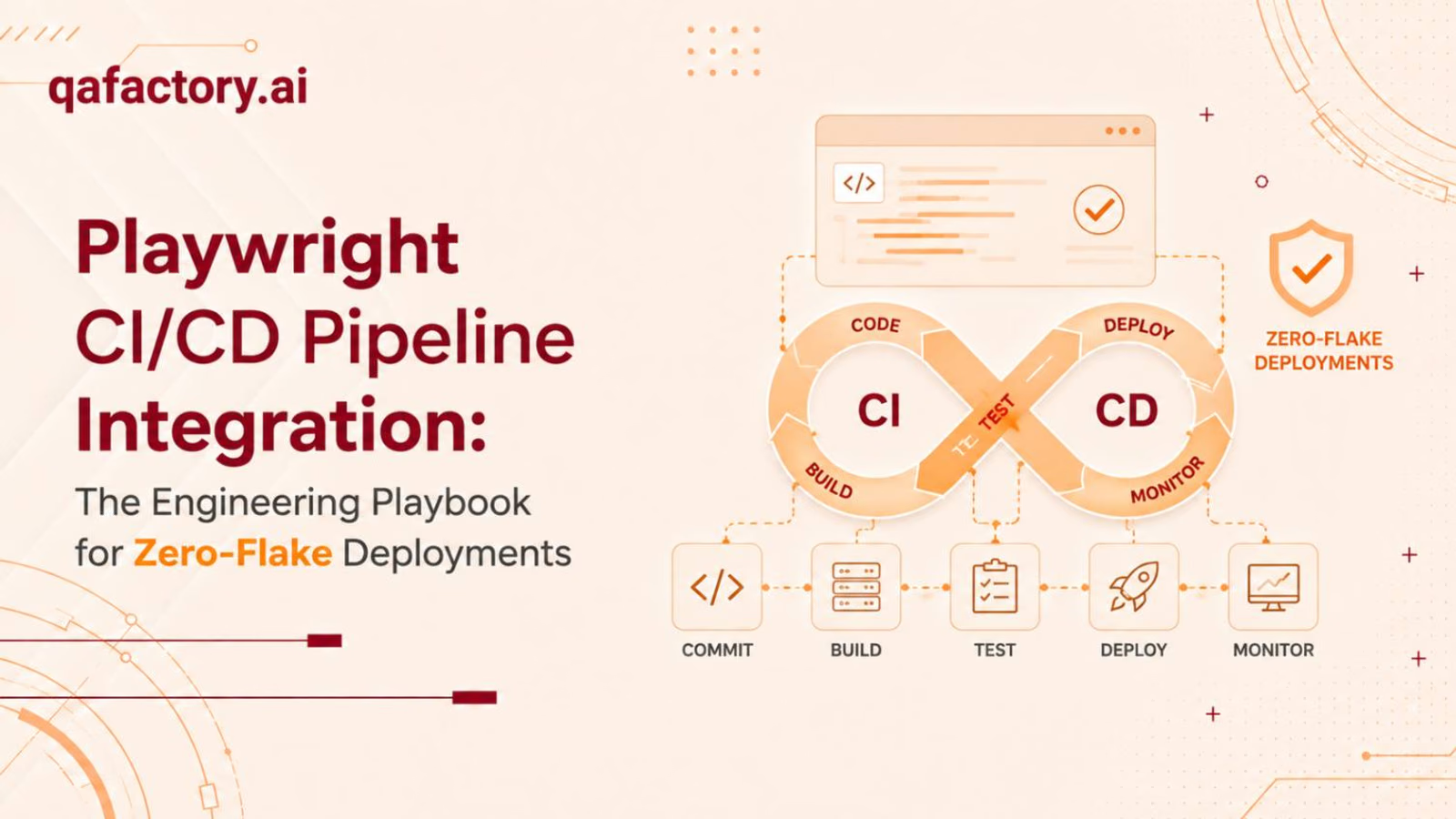
Shipping SaaS product velocity depends on one unglamorous system: your test pipeline. If Playwright CI/CD pipeline integration is bolted on as an afterthought, it becomes the single biggest bottleneck between a merged PR and a production deploy — burning compute, engineer trust, and release cadence. This guide is written for engineering leads who need a production-grade implementation, not a “getting started” tutorial.
What is Playwright CI/CD pipeline integration?
Playwright CI/CD pipeline integration is the process of automatically running Playwright’s end-to-end test suite within a continuous integration/continuous deployment system (e.g., GitHub Actions, GitLab CI) on every code push or pull request. It uses headless browser execution, parallel sharding, and artifact capture to validate application behavior before merge or deploy — without manual intervention.
Why traditional QA fails at SaaS velocity
Traditional QA models rely on a manual regression cycle: a human tester runs through a checklist after the code has already been merged, often hours or days after the commit that introduced the bug. This model breaks down at SaaS velocity for three structural reasons:
- Feedback loop latency. A bug caught by a human QA tester two days post-merge costs 10–15x as much engineering time to fix as one caught in CI at PR time, because context has already been lost.
- No parallelization. Manual test execution is linear. A 200-scenario regression suite run by hand doesn’t scale with a growing codebase; a sharded Playwright test runner executing the same suite across 10 CI workers does.
- Non-reproducible failures. Humans can’t consistently reproduce timing-dependent bugs (race conditions, async state issues). Playwright’s trace viewer and video/screenshot artifacts capture the exact DOM state, network calls, and console output at the time of failure — every time.
Playwright CI/CD pipeline integration solves this by treating end-to-end tests as a first-class pipeline gate rather than a post hoc QA task. The core architecture consists of four layers:
- Trigger layer — pipeline runs on push, pull_request, or scheduled cron.
- Execution layer — headless (or headed, for debugging) browser automation via Chromium, Firefox, and WebKit.
- Distribution layer — test sharding across parallel CI runners/matrix jobs.
- Reporting layer — artifact upload (traces, videos, screenshots, HTML reports) and pass/fail gate enforcement.
Key entities every engineering team should know
| Term | Function in the pipeline |
|---|---|
| Playwright test runner | Native test executor with built-in parallelization, retries, and fixtures |
| Headless execution | Runs browsers without a UI for faster, resource-efficient CI execution |
| Sharding | Splits a test suite across N machines/jobs to reduce wall-clock time |
| Flaky test mitigation | Retry logic, network stubbing, and wait-state strategies to eliminate non-deterministic failures |
| Test artifacts | Traces, videos, screenshots, and JUnit/HTML reports generated on failure |
| GitHub Actions / GitLab CI | CI/CD orchestrators that trigger, run, and report on Playwright jobs |
Step-by-step implementation: Playwright with GitHub Actions
Below is a production-ready GitHub Actions workflow for Playwright integration that includes caching, matrix-based sharding, and artifact retention. First, the shape of the pipeline:
PR opened/updated
        │
        ▼
GitHub Actions trigger (pull_request / workflow_dispatch)
        │
        ▼
Install deps + Playwright browsers (cached)
        │
        ▼
Matrix job: shard 1/4, 2/4, 3/4, 4/4 (parallel runners)
        │
        ▼
Merge HTML reports → Upload artifacts → Gate merge on pass/failname: Playwright E2E Tests
on:
pull_request:
branches: [main, develop]
push:
branches: [main]
jobs:
test:
timeout-minutes: 30
runs-on: ubuntu-latest
strategy:
fail-fast: false
matrix:
# Split the suite into 4 parallel shards to cut wall-clock time
shardIndex: [1, 2, 3, 4]
shardTotal: [4]
steps:
- name: Checkout repository
uses: actions/checkout@v4
- name: Set up Node.js
uses: actions/setup-node@v4
with:
node-version: 20
cache: 'npm'
- name: Install dependencies
run: npm ci
- name: Cache Playwright browsers
uses: actions/cache@v4
id: playwright-cache
with:
path: ~/.cache/ms-playwright
key: playwright-${{ runner.os }}-${{ hashFiles('package-lock.json') }}
- name: Install Playwright browsers
if: steps.playwright-cache.outputs.cache-hit != 'true'
run: npx playwright install --with-deps
- name: Run Playwright tests (sharded, headless)
run: >
npx playwright test
--shard=${{ matrix.shardIndex }}/${{ matrix.shardTotal }}
env:
CI: true
- name: Upload test artifacts on failure
if: failure()
uses: actions/upload-artifact@v4
with:
name: playwright-report-shard-${{ matrix.shardIndex }}
path: playwright-report/
retention-days: 14
- name: Upload traces on failure
if: failure()
uses: actions/upload-artifact@v4
with:
name: playwright-traces-shard-${{ matrix.shardIndex }}
path: test-results/
retention-days: 14
merge-reports:
if: always()
needs: [test]
runs-on: ubuntu-latest
steps:
- name: Download all shard reports
uses: actions/download-artifact@v4
with:
path: all-reports
- name: Merge and publish HTML report
run: npx playwright merge-reports --reporter=html ./all-reportsA few notes on why this workflow is shaped the way it is:
- fail-fast: false ensures one shard’s failure doesn’t cancel the other three — you get the full failure picture in a single run.
- Browser caching cuts install time from ~60s to near-zero on cache hits, directly reducing pipeline cost.
- retention-days: 14 balances debugging needs against artifact storage cost — adjust based on your release cadence.
- For GitLab CI, the equivalent uses parallel: matrix with CI_NODE_INDEX/CI_NODE_TOTAL mapped to --shard.
Optimizing pipeline performance: flaky tests and sharding
Flaky tests — tests that pass and fail intermittently without code changes — are the top reason engineering teams lose trust in CI and start ignoring red pipelines. Root causes are almost always one of the following: race conditions in dynamic content, unstubbed third-party network calls, or shared test state across parallel workers.
- Use auto-waiting assertions. Prefer expect(locator).toBeVisible() over hard-coded waitForTimeout() calls.
- Isolate test state. Each test should provision its own data (via API setup, not UI), avoiding cross-test contamination in parallel shards.
- Stub non-deterministic network calls. Analytics and third-party widgets can be intercepted with page.route() to remove external variability.
- Quarantine, don’t ignore. Persistently flaky tests should be tagged and moved to a non-blocking job, not deleted or silently skipped.
Retries belong in CI only — running them locally masks real failures during development:
export default defineConfig({
  retries: process.env.CI ? 2 : 0, // Retry only in CI, not locally
  workers: process.env.CI ? 4 : undefined,
});
In-house vs. optimized CI test runs
| Metric | Unoptimized in-house runs | Optimized (sharded + cached) runs |
|---|---|---|
| Full suite runtime (500 tests) | 45–60 minutes (sequential) | 6–10 minutes (4–8 way shard) |
| Flaky test rate | 8–15% (no isolation/retries) | <1% (stubbing + isolation + retries) |
| Browser install overhead | Repeated on every run (~60s+) | Cached, near-zero on hit |
| CI compute cost per month | High (redundant sequential minutes) | 40–70% lower (parallel efficiency) |
| Engineer trust in pipeline | Low — red builds routinely ignored | High — red builds are actionable signals |
| Debugging failure root cause | Manual reproduction, screenshots only | Full trace viewer, video, network log |
The delta isn’t incremental — it’s the difference between a pipeline engineers trust and one they route around, which quietly reintroduces the manual QA bottleneck you were trying to eliminate.
Managing test artifacts and failure traces
A failing CI job without evidence is just noise. Every production-grade Playwright CI/CD pipeline integration must treat artifacts as first-class outputs, not afterthoughts.
- Trace files (.zip) — a full timeline of DOM snapshots, network requests, and console logs, viewable interactively in Playwright’s Trace Viewer.
- Screenshots — captured automatically at the point of failure.
- Video recordings — full test execution video, critical for UI regressions that are hard to describe in text.
- HTML/JUnit reports — for pipeline dashboards and integration with tools like Datadog, Grafana, or your CI’s native test reporting UI.
export default defineConfig({
  use: {
    trace: 'retain-on-failure',
    screenshot: 'only-on-failure',
    video: 'retain-on-failure',
  },
  reporter: [
    ['html', { open: 'never' }],
    ['junit', { outputFile: 'results.xml' }],
  ],
});
Retention policy matters. Storing every artifact indefinitely inflates CI storage costs; storing too little destroys audit trails for compliance-sensitive SaaS products (SOC 2, HIPAA). A 14–30-day rolling retention window for failure artifacts, with permanent retention for main-branch release gates, is the standard enterprise pattern.
Scaling engineering velocity: when to bring in a partner
Most engineering teams can stand up a basic Playwright pipeline in an afternoon. The gap between “tests run in CI” and “tests reliably gate every deploy at scale” is where most teams stall — and where the cost of getting it wrong compounds fastest.
Bring in QAFactory when your team is facing:
- Suite runtime creep — regression suites that have grown past the point where sharding alone solves the bottleneck, requiring architectural test-suite redesign.
- Cross-browser/device matrix expansion — scaling beyond Chromium into full WebKit/Firefox and responsive coverage without CI cost exploding.
- Chronic flake without root-cause resolution — teams that have tried retries and stubbing but still see unreliable signal.
- Compliance-driven audit requirements — SOC 2 or enterprise customer audits demanding documented, reproducible QA infrastructure.
- QA infrastructure ownership gaps — no dedicated engineer owns the CI test pipeline as its own system, so it degrades silently over sprints.
QAFactory specializes in scaling CI/CD test automation infrastructure for SaaS and enterprise engineering teams — architecting sharding strategies, eliminating flaky test debt, and building artifact/observability pipelines that hold up under real release pressure, not just demo conditions.
Conclusion: turn your pipeline into a deployment gate you can trust
Playwright CI/CD pipeline integration done right — headless execution, sharded parallelization, flaky test mitigation, and full artifact capture — converts your test suite from a slow, ignorable formality into a real deployment gate. The GitHub Actions configuration above is a solid production baseline; the sharding and artifact strategies are what separate teams that trust their pipeline from teams that route around it.
If your team is scaling past the point where in-house tuning keeps up, book a QA infrastructure audit with QAFactory — get a concrete assessment of your current pipeline’s flake rate, runtime, and artifact coverage, plus a prioritized roadmap to close the gaps before they cost you a release.
About this article: this playbook was prepared by the QAFactory team as a practical reference for engineering leads building or scaling Playwright test infrastructure in CI/CD. Configuration examples reflect Playwright and GitHub Actions practices as of 2026.